

In an era where digital privacy is increasingly under threat, social media platforms often require personal information that can compromise user security. Bluesky, a decentralized social media service, offers a refreshing alternative by prioritizing user control and privacy. By integrating Changefly, a service providing temporary phone numbers and emails, you can further enhance your privacy on Bluesky.
Bluesky is a microblogging platform that allows users to share short posts containing text, images, and videos. It is owned by Bluesky Social PBC, a benefit corporation based in the United States. Bluesky was developed as a reference implementation of the AT Protocol, an open communication protocol for distributed social networks. This decentralized approach empowers users with greater control over their data and online interactions.
Despite its user-centric design, Bluesky, like many platforms, requires users to register with a phone number or email address. This necessity can pose privacy concerns, as associating personal contact information with online accounts may expose users to risks such as data breaches, spam, or unwanted contact.
How Changefly Enhances Your Bluesky Experience
Changefly offers temporary, disposable phone numbers and email addresses that can be used for various online services, including Bluesky. Here’s how integrating Changefly with Bluesky can benefit you:
- Enhanced Privacy: By using a Changefly number or email to register on Bluesky, you keep your personal contact information confidential, reducing exposure to potential threats.
- Improved Security: Separating your personal contact details from your Bluesky account adds an extra layer of security, making it more challenging for malicious actors to target you.
- Greater Control: Changefly allows you to manage and dispose of temporary numbers and emails as needed, giving you greater control over your digital footprint.
Step-by-Step Guide to Using Changefly with Bluesky
Integrating Changefly with Bluesky is straightforward. Follow these steps to enhance your social media privacy:
- Download Changefly: Obtain the Changefly app from the official website.
- Acquire a Temporary Number or Email: Use Changefly to generate a temporary phone number or email address.
- Register on Bluesky: Visit the Bluesky website or download the app, and register using the temporary contact information provided by Changefly. Bluesky Social
- Verify and Use: Complete the verification process and start engaging on Bluesky without revealing your personal contact details.
In a digital landscape where privacy is paramount, tools like Bluesky and Changefly empower users to communicate securely and maintain control over their personal information.
By combining Bluesky’s decentralized social networking features with Changefly’s temporary contact solutions, you can enjoy a heightened level of privacy and security in your online interactions.
Setting up Changefly for Bluesky is quick and easy! Follow the 3 steps below to protect the privacy and security of your Bluesky account.
1 — Get the free Changefly app
Go here to get the free Changefly app
2 — Add Bluesky to your Changefly
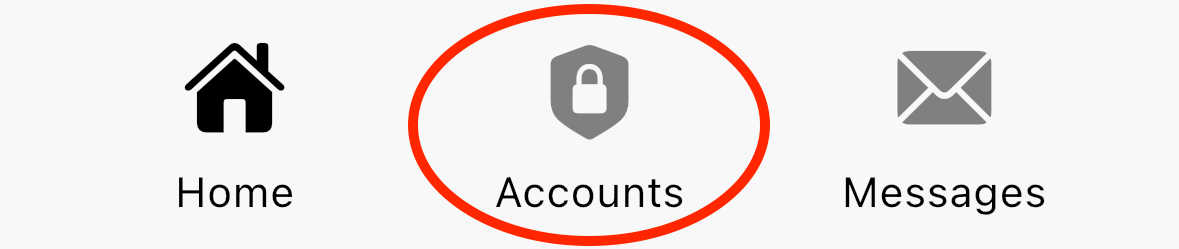
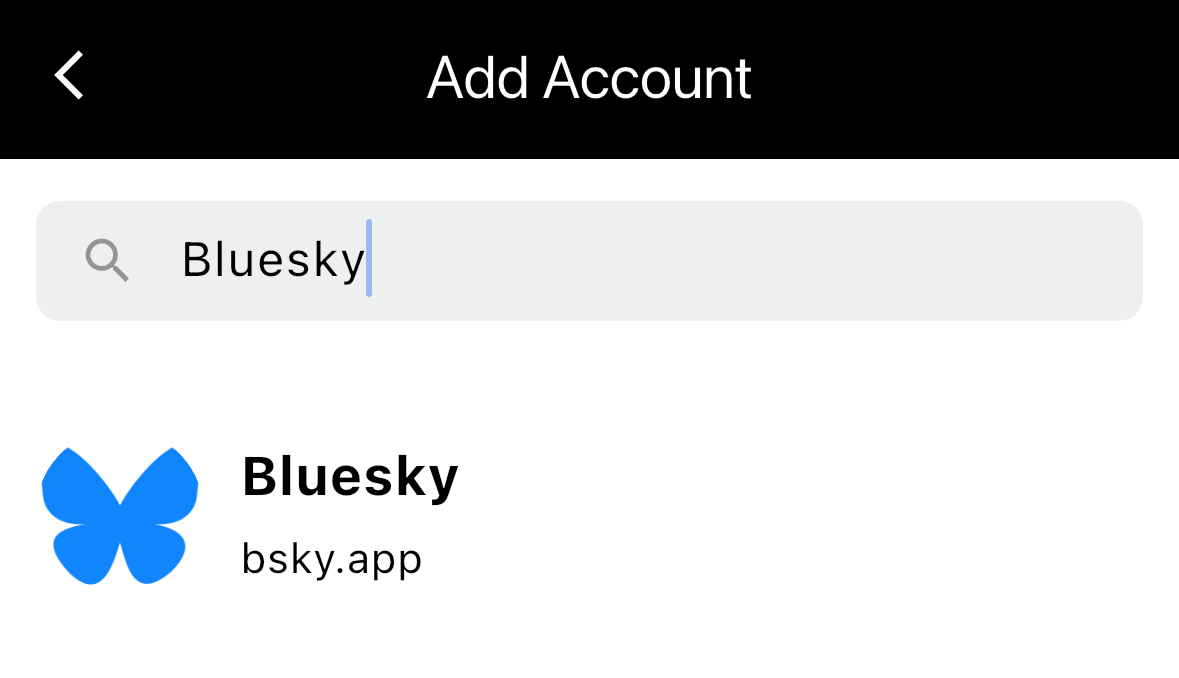
3 — Create (or update) your Bluesky account
Follow the steps in Bluesky to create (or update) your Bluesky account using your Changefly private data. Helpful tip: long press any ***** item to copy, or tap to view.
